
QR Codes That Actually Scan: A Practical Checklist
Most QR codes that fail in the wild fail for the same six reasons. Here is how to size, colour, print and test a code so it works the first time.
A QR code either scans instantly or it does not get scanned at all — nobody tries twice. The good news is that almost every failure comes down to a short list of fixable causes.
Size it for the scanning distance
The working rule is one to ten: the code should be about a tenth of the distance people will scan it from.
| Where it lives | Typical distance | Minimum size |
|---|---|---|
| Business card, menu | 30 cm | 3 cm |
| Product packaging | 40 cm | 4 cm |
| Poster at eye level | 1.5 m | 15 cm |
| Shop window | 3 m | 30 cm |
| Billboard | 20 m | 2 m |
When in doubt, go bigger. A code that is slightly too large looks fine; one that is slightly too small is invisible.
Keep the contrast obvious
Dark pattern on a light background is what every scanner is built to expect.
- Do: near-black, navy or a deep brand colour on white or a very light tint.
- Avoid: mid-grey on white, pastel on pastel, or anything where you have to squint.
- Be careful with inversion. Light-on-dark works on most modern phones but not all of them. Save it for screens where you can test, not for a print run of 5,000.
If your brand colour is light, use it for the background and keep the pattern dark.
Do not crop the quiet zone
The blank margin around the pattern is functionally part of the code — cameras use it to find the edges. Two modules is the practical minimum; four is safer over a photo or a busy background. The quiet-zone slider in the QR generator controls this directly.
The most common version of this mistake is a designer tightening the whitespace to make a layout balance. It quietly breaks the code.
Pick the right error correction level
Error correction lets a code survive damage, dirt and partial obstruction:
- L (~7%) — clean digital surfaces only.
- M (~15%) — the sensible default for most print.
- Q (~25%) — outdoors, or anywhere it may get scuffed.
- H (~30%) — rough surfaces, or when a logo covers the centre.
The trade-off: higher correction packs more data into the same square, so the pattern gets denser and harder to scan at small sizes. Do not reach for H unless you have a reason.
Encode a short link, not a monster URL
Every character you encode adds density. A 120-character URL with tracking parameters produces a visibly busier pattern than a 25-character short link, and the busy one fails first at small print sizes.
Running the destination through the URL shortener first gives you two wins: a simpler, more robust pattern, and the ability to change the destination later. That second one matters more than people expect — a static QR code has its content baked into the pattern forever, so a short link is the only practical way to redirect something already printed.
Vector for print, raster for screens
Download the SVG for anything going to a printer. It has no fixed resolution, so it stays perfectly crisp whether it is on a business card or the side of a van.
Download the PNG for slides, web pages, emails and social posts, where a fixed-size raster is what everything expects.
Tell people what they get
A bare square gets ignored. A short line of text next to it measurably increases scans because it answers the only question anyone has:
- "Scan for today's menu"
- "Scan to book a table"
- "Scan for the wiring diagram"
Add a small scan icon if there is room. Do not write "Scan me" — that says what to do, not why.
Test before you commit
Before any print run:
- Scan it from the actual distance people will use.
- Test on at least one iPhone and one Android device.
- Test in poor light — most real scans are not in a studio.
- Print a proof at final size and scan the paper, not the screen.
- Check the destination page is mobile-friendly. Every single scan is a phone.
Where they work well
- Restaurants and cafés — menus, ordering, review links.
- Retail packaging — instructions, registration, refills.
- Events — tickets, schedules, slides, feedback forms.
- Business cards — one square pointing at a link-in-bio page covers every profile you have.
- Print advertising — the only reliable way to measure a poster.
The short version
Big enough for the distance, dark on light, keep the margin, medium correction, encode a short link, download the SVG for print, and always test on a real phone before you print a thousand of them.
Ready to make one? The QR code generator is free, has no watermark, and places no limit on scans.
Related reading
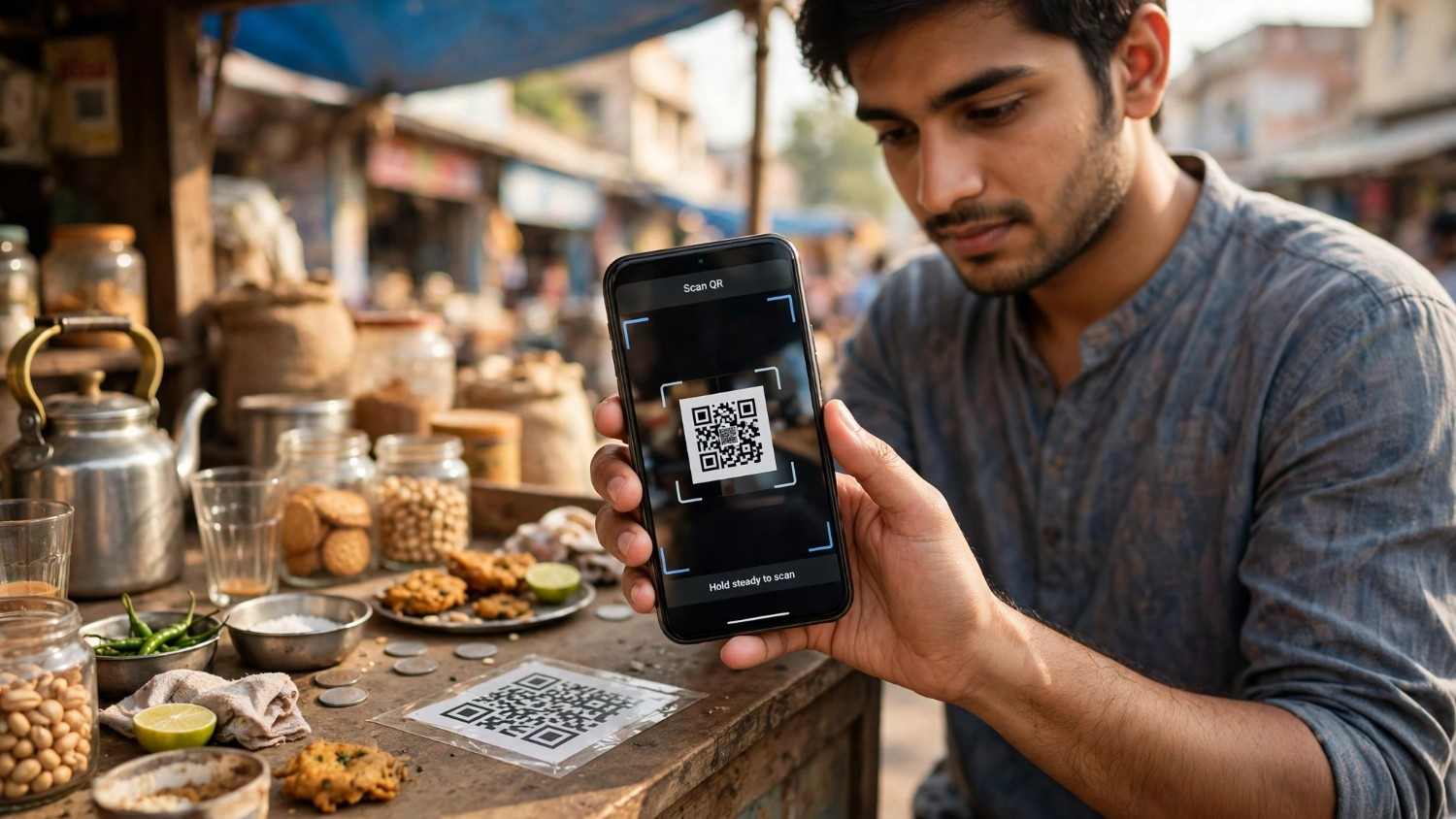
How to Generate a UPI QR Code
How to generate a UPI QR code from your UPI ID, with a fixed amount, in BHIM, or for a current account, plus the settings that decide whether it works in every app.
The Uitly Team
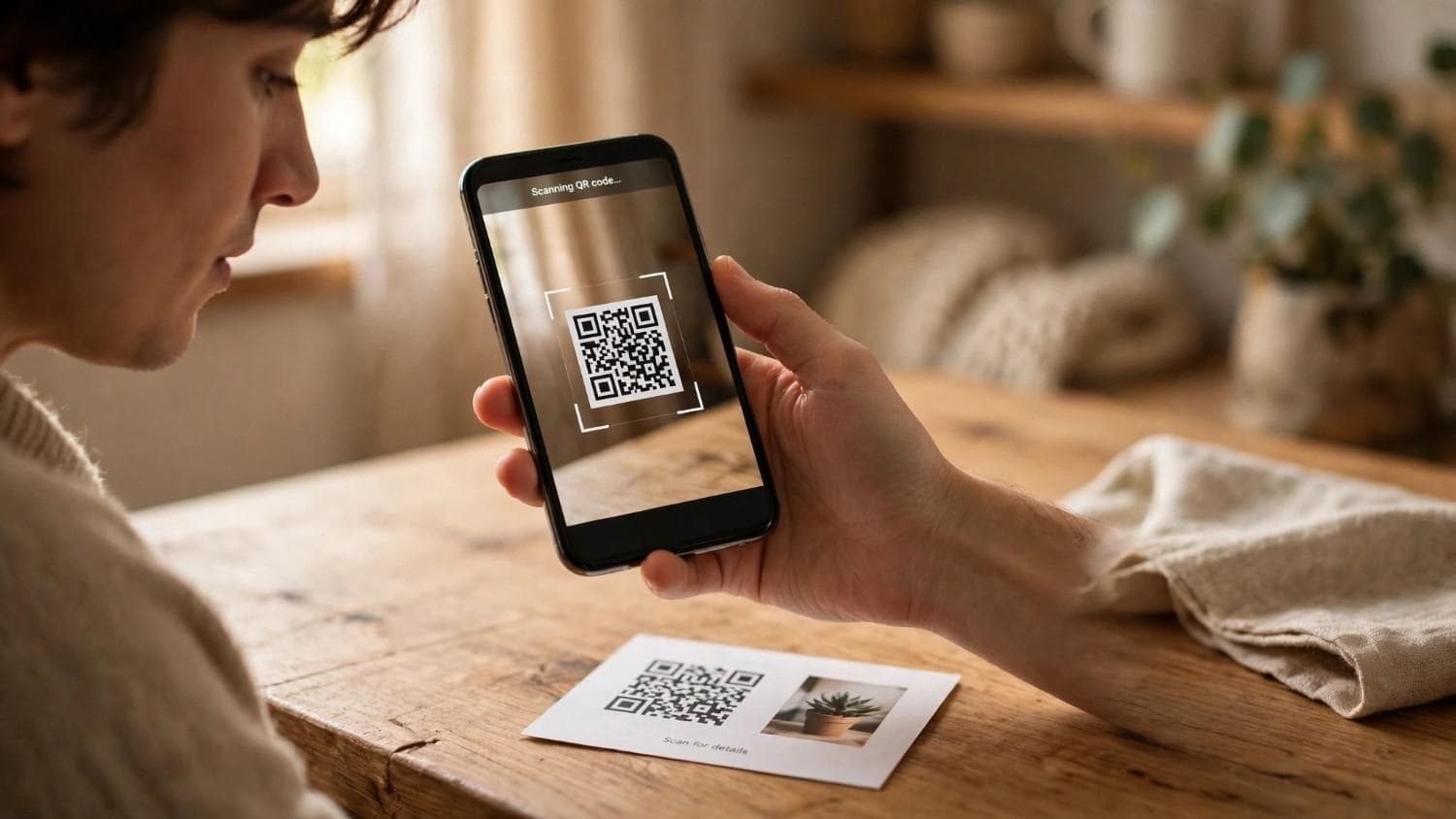
How to Scan a Snapseed QR Code (and How to Open Gallery Codes)
How to scan a Snapseed QR code, including the long press gallery workaround, saving looks, creating your own, and why a scanned look looks different on your photo.
The Uitly Team
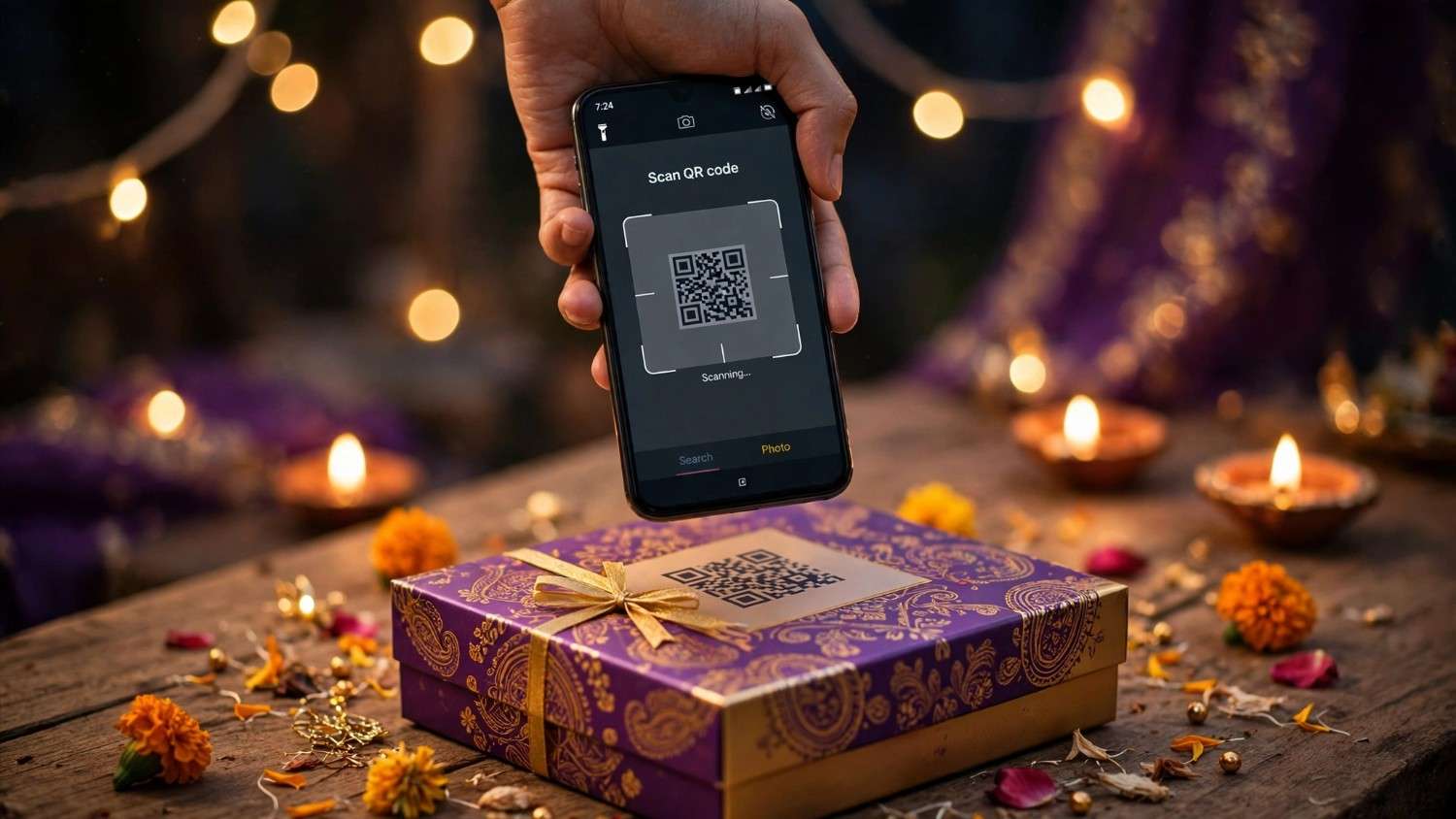
How to Scan a Cadbury Celebrations QR Code (and What It Will Actually Do)
How to scan a Cadbury Celebrations QR code, what each campaign code does, why there is no prize code inside the box, and how to tell if a campaign is still live.
The Uitly Team