
How to Generate a UPI QR Code
How to generate a UPI QR code from your UPI ID, with a fixed amount, in BHIM, or for a current account, plus the settings that decide whether it works in every app.
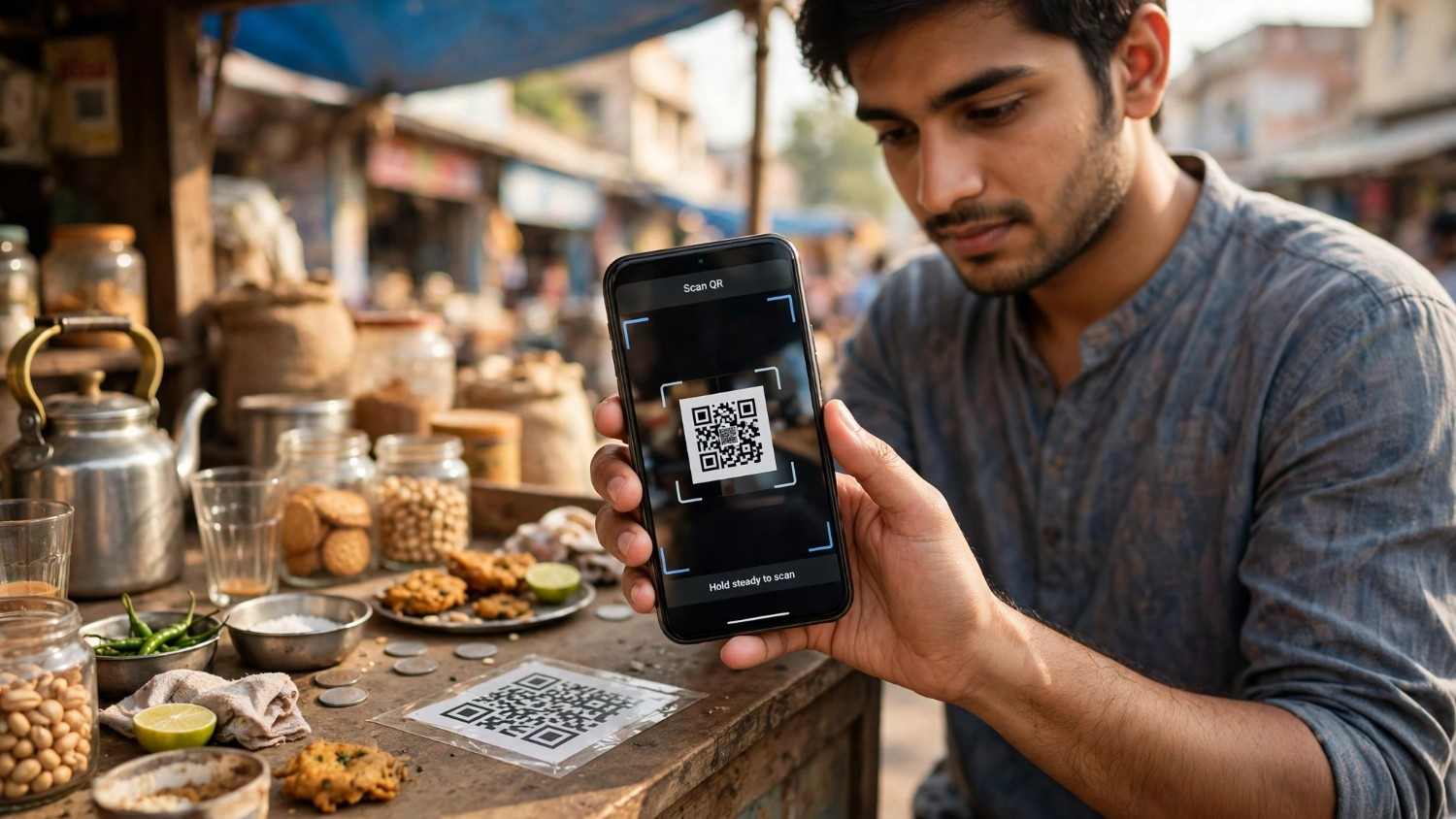
Every payment code in India, from the laminated sticker on a tea stall counter to the dynamic code on a restaurant bill, is the same thing underneath: a short line of text starting upi://pay that your payment app knows how to read.
Once you know that, the question stops being mysterious. You can pull a ready made code out of the app you already use in about four taps, you can build one yourself with a fixed amount baked in, or you can go through a payment provider and get a verified merchant code with your business name on it. This guide covers all three, plus the handful of settings that decide whether your code works in every app or throws a security warning in half of them.
How to Generate a UPI QR Code: Three Routes
Pick the route that matches what you need.
| Route | What you get | Best for |
|---|---|---|
| Your UPI app | A personal code tied to your UPI ID | Individuals, freelancers, splitting bills |
| Build the string yourself | A code with the amount and note baked in | Invoices, fixed price items, one off requests |
| A payment provider | A verified merchant code with your business name | Shops, anything taking regular business payments |
The first is free and takes seconds. The second is free and takes a minute. The third needs KYC and a business account, and is the only one that removes the first time payee friction your customers see.
Getting Your QR Code From Your UPI App
Every UPI app already generated a code for you when you set up your account. You just have to find it.
Google Pay
Open the app and tap your profile picture at the top right, then tap it again. Your personal QR code appears along with the bank account it is linked to. Anyone can scan it with any UPI app to pay you.
PhonePe
Tap your profile icon, then open the QR Codes section. Your code is there alongside your UPI ID.
Paytm
Tap the profile or menu icon on the left. Your code sits below your name, with a Share QR button underneath it.
These are all personal codes with no amount attached, so whoever scans types in what they are paying.
How to Generate a UPI QR Code in the BHIM App
BHIM is NPCI's own app, so its code is about as canonical as a personal UPI QR gets.
Open BHIM and go to your profile tab. Your QR code is displayed there, tied to whichever bank account you have set as primary in the app. You can screenshot it, share it, or let someone scan it straight off your screen.
Two things worth knowing about the BHIM code specifically. It carries the UPI ID for your default account, so if you have multiple accounts linked, check which one is selected before you share it. And because BHIM is built directly on the NPCI specification, codes generated there behave predictably across other apps, which is not always true of codes made elsewhere.
If you want a BHIM UPI code with an amount already filled in, the app's profile code will not do it. That needs the string method below.
Generating a QR Code From a UPI ID
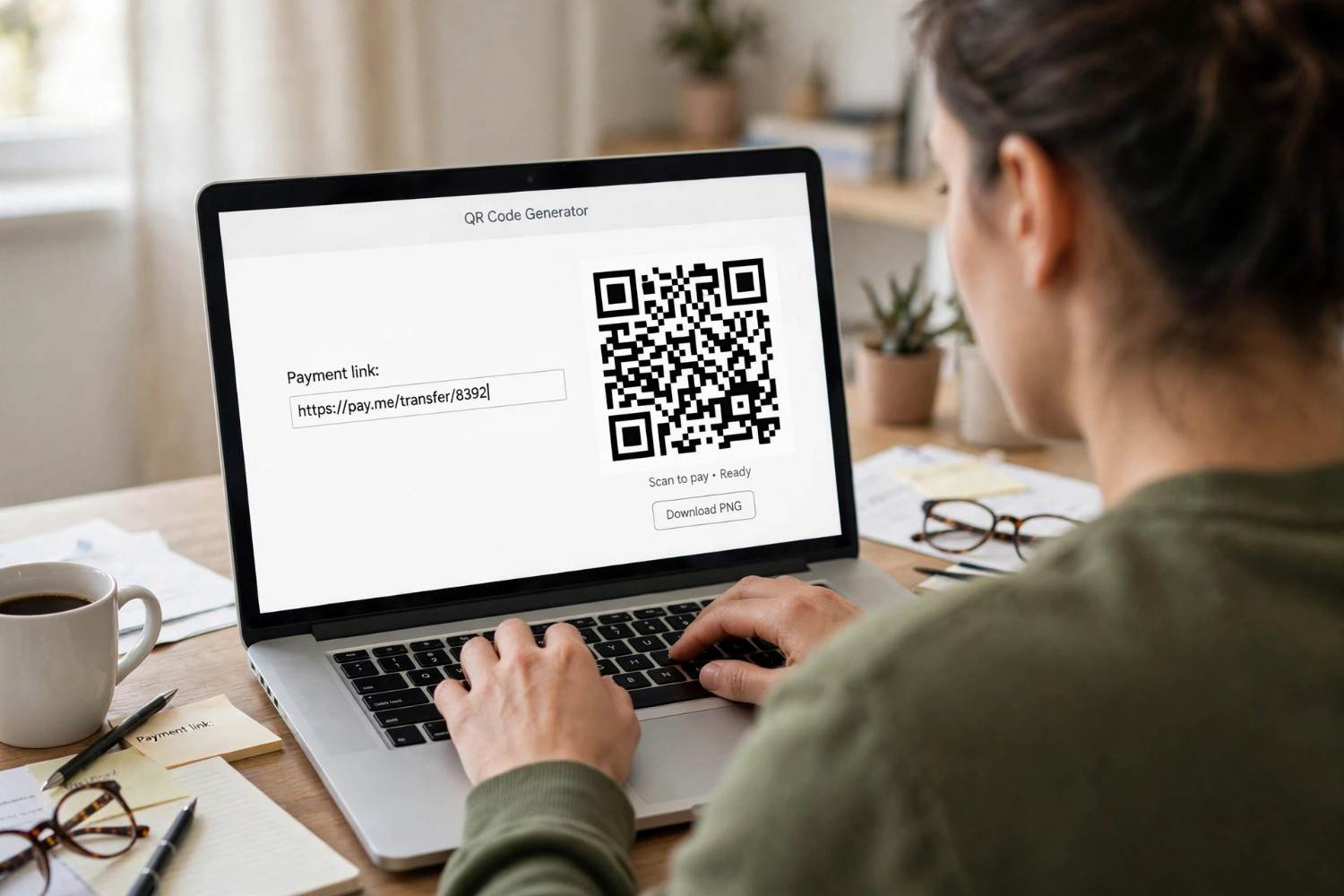
This is the route most people actually want, because it lets you control what goes into the code.
Your UPI ID, also called a VPA, looks like yourname@okhdfc or 9876543210@paytm. It is the address money gets sent to, and it maps to your bank account. If you do not know yours, open any UPI app and look under Profile.
To turn it into a code, you need the UPI string:
upi://pay?pa=yourname@okhdfc&pn=Your%20Name
Paste that into any QR code generator and the image it produces is a working payment code. There is nothing proprietary about it. The format is published by NPCI in its UPI deep linking specification, and every compliant app in India reads it.
Two parts matter here. pa is your UPI ID and is genuinely required. pn is the payee name. More on why you might want to leave that one out shortly.
If you would rather not hand your UPI ID to a third party site, our free QR code generator builds the code in your browser from whatever text you paste in, and exports PNG or SVG with no watermark.
Adding a Fixed Amount
A code with the amount already in it removes the most common source of payment errors, which is someone typing ₹500 instead of ₹5,000 or the other way round.
Add two parameters:
upi://pay?pa=yourname@okhdfc&pn=Your%20Name&am=500&cu=INR
am is the amount in decimal format. cu is the currency, and INR is the only value UPI supports.
The behaviour is straightforward. With am present the amount is locked and the payer cannot change it. Leave it out and the field stays editable. There is also mam, a minimum payable amount, which sets a floor on an otherwise editable field.
You can add a note with tn, which shows the payer what they are paying for:
upi://pay?pa=yourname@okhdfc&pn=Your%20Name&am=500&cu=INR&tn=Invoice%20412
Notice the %20 in place of spaces. That matters, and the next sections explain why.
Static and Dynamic Codes
The difference is simpler than the jargon suggests.
A static code carries only the payee details. The same code sits on the counter all day and every customer types their own amount. It suits kirana shops, street vendors, and anyone whose prices vary. You print it once.
A dynamic code is generated fresh for each transaction with the amount and an order reference already in it. The customer scans and confirms, with nothing to type. It suits restaurants, retail chains and anyone who needs to match payments to orders.
Dynamic codes carry a transaction reference in the tr parameter, which NPCI's specification makes mandatory for merchant transactions and dynamic URLs. In practice, generating a genuinely dynamic code per sale means either a POS device or an API from a payment aggregator, because something has to create a new code for every bill.
A fixed amount code you generate by hand sits between the two. It has the amount baked in like a dynamic code, but it is still one static image you reuse.
A UPI QR Code for a Current Account
A common question from businesses, and the answer has a trap in it.
If your business already has a current account with UPI set up, you do not need any extra KYC to receive payments into it. The UPI ID attached to that account works exactly like a personal one, and a QR code built from it will deposit straight into the business account.
The trap is the other approach. NPCI's specification does allow addressing a payee by account number and IFSC, in the form <account>@<IFSC>.ifsc.npci, and several generators offer this as a "bank account to QR" option. Most popular apps will not honour it. PhonePe and Paytm treat that pattern as a high risk unverified payee and block the payment with a security warning. Google Pay and BHIM may let it through, sometimes after an extra confirmation step.
So use the UPI ID of the current account, not the account number. It maps to the same bank account and it works everywhere.
If you want your business name displayed to payers and no first time payee friction at all, that requires a verified merchant code through a payment service provider. Razorpay, Cashfree, PhonePe for Business and BharatPe all onboard merchants for this, with KYC and a linked business account.
Why One Code Works in Every App
Worth stating plainly, because people often assume they need a different code for each app.
You do not. UPI is interoperable by design. A code built to the NPCI specification is read by Google Pay, PhonePe, Paytm, BHIM, Amazon Pay, WhatsApp Pay, CRED, MobiKwik and every bank's own UPI app. There is no Google Pay QR code or PhonePe QR code as a separate thing, only one standard that all of them understand.
This is what people mean by a universal UPI code. One image, every app, straight into your bank account.
What does vary is how strictly each app parses the string, which is a different problem and covered below.
What Each Parameter Does
The full set from NPCI's specification, for anyone building codes seriously.
| Parameter | What it is | Needed? |
|---|---|---|
pa | Payee UPI ID | Always |
pn | Payee name | Spec says yes, apps vary |
am | Amount, decimal | Only for fixed amount codes |
cu | Currency, INR only | Whenever am is present |
mam | Minimum payable amount | Optional |
tn | Short transaction note | Optional |
tr | Transaction reference | Mandatory for merchant and dynamic codes |
tid | Transaction ID from the provider | Optional |
mc | Merchant category code | Optional |
url | Link to a bill or invoice | Optional, must start http or https |
mid, msid, mtid | Merchant, store and terminal IDs | Optional, used for reconciliation |
mode | How the payment was initiated | Provider generated |
sign | Digital signature | Provider generated |
orgid | Provider organisation ID | Provider generated |
The last three are the ones you cannot produce yourself, and that gets its own section below.
Two Settings That Decide Whether It Works
Small details, large consequences.
Encode your spaces. Every value in the string has to be percent encoded, which means a space becomes %20. A raw space in the payee name is the single most common reason a hand built code fails, and Google Pay in particular responds with a generic invalid UPI link error that tells you nothing about the cause.
Consider leaving the payee name blank. This sounds wrong and it is the most useful tip in this whole guide. If you omit pn, many apps fall back to displaying the verified account name they get from the bank. If you include it and your spelling does not exactly match the bank record, the payer can get a name mismatch warning instead. For personal codes, leaving it out often produces a cleaner, more trustworthy screen for whoever is paying you.
Why Your App Shows a Security Warning
If you generated a code yourself and testers report a warning, nothing is broken. Here is what is happening.
NPCI's specification includes a sign field, a digital signature that proves a code has not been tampered with. The app checks it: a valid signature lets the payment proceed smoothly, an invalid one is rejected as tampered or corrupt, and a missing one causes the app to warn the user and require a passcode.
Signing requires authorised access to NPCI's directory and bank issued credentials. No third party generator can produce a validly signed code, and any tool that claims it can is overselling. This is not a gap in one tool, it is how the system is built.
In practice unsigned codes are the norm rather than the exception, with estimates putting valid signatures on only a small minority of merchant codes in circulation. Your hand built code will work. It will just carry the unverified payee treatment, which means an extra confirmation for first time payers.
If that friction matters for your business, that is the argument for going through a payment service provider rather than building codes yourself.
Testing Before You Print
Do not laminate anything until you have tested it in three apps.
The UPI apps parse the string with different levels of strictness. Google Pay is the strictest and will reject a malformed string outright. PhonePe is the most forgiving. Paytm sits in between and will sometimes fill in a missing payee name on its own.
The consequence is that a code which scans perfectly in one app can fail in another, and you will not discover this from testing on your own phone alone. Scan your code with Google Pay, PhonePe and Paytm before it goes anywhere near a printer or a thousand invoices.
Check three things on each: the payee name shown is correct, the amount is what you expect, and the payment actually completes with a small test transfer.
What It Costs and What You Can Receive
Charges. UPI has carried zero merchant discount rate, so accepting payments has cost merchants nothing. That is changing. An MDR structure was scheduled for 15 October 2026 and then postponed past Diwali, with a revised date still to be announced. Under the announced structure, merchant payments above ₹2,000 would carry 0.4% capped at ₹300, with a flat ₹5 for railways, fuel, telecom and insurance, and 0.02% for capital markets.
Payments of ₹2,000 or less carry nothing. Person to person transfers carry nothing regardless of amount. Small merchants receiving up to ₹1 lakh a month are exempt, and merchants are not permitted to pass the charge on to customers as a separate line.
Limits. The standard ceiling is ₹1 lakh per day across most payments, with roughly twenty transactions a day. Certain categories including insurance, capital markets, travel, tax, hospitals and education allow up to ₹5 lakh per transaction and ₹10 lakh daily. Banks can set lower limits than NPCI's, and new users are often capped at ₹5,000 in their first 24 hours.
Keeping Payments Safe
Two things to know once your code is out in the world.
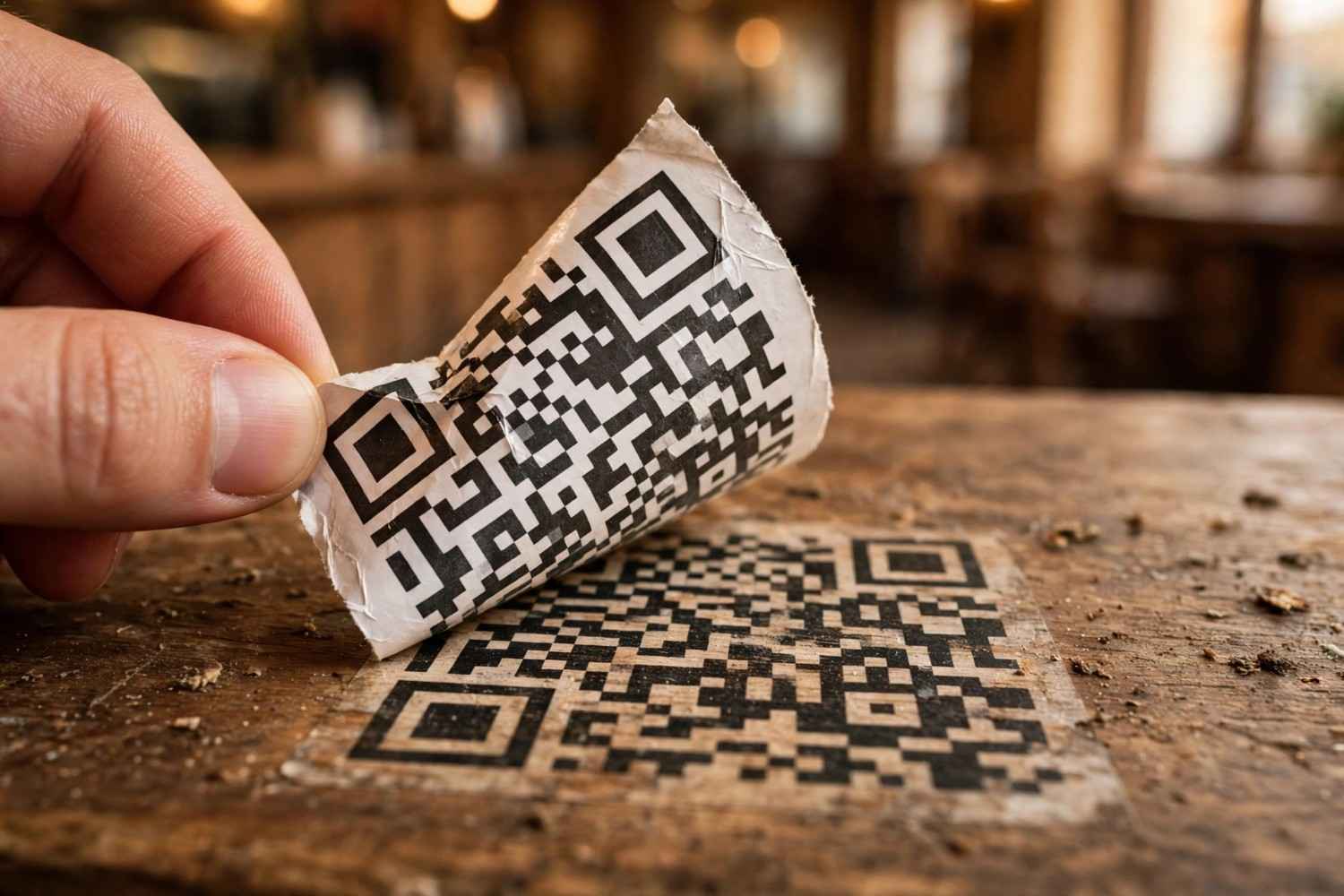
QR swap fraud is real. Fraudsters paste a fake code over a genuine one, most often at unattended kiosks and counters. Bank of Maharashtra advises checking that a code is not tampered with or loosely pasted, and asking the merchant to confirm if you are unsure. One documented case in Madhya Pradesh involved scanners being replaced overnight at a tourist site. If you display a code, check it regularly for anything loosely pasted or sitting slightly proud of the surface, and put it somewhere staff can see it. If you are paying, confirm the payee name on screen matches the business before you approve.
You never scan a code to receive money. This is worth repeating because it is the basis of the most common UPI scam running. Someone offers a refund, a cashback or a prize, sends you a QR code, and asks you to scan it and enter your UPI PIN. Scanning and entering a PIN sends money. It cannot receive money. A QR code has no mechanism to pull funds into your account, and no legitimate refund ever requires your PIN.
Why QR Codes Fail to Scan at All
Separate from UPI, a code can simply be badly made or badly printed:
- No quiet zone. A code needs clear margin on all four sides. Crop it tight and scanners lose the frame.
- Low contrast. Dark on light reads reliably. A code printed over a photo or in a mid tone often does not.
- Printed too small for the distance. A code on a counter can be small. One meant to be scanned from across a shop cannot.
- Error correction set too low. Higher levels let a code survive creases, scuffs and the general abuse a printed sticker takes.
- Never tested on a real phone. A code that scans on a new handset can fail on an older one.
We put together a fuller checklist on this: our guide to QR codes that actually scan covers sizing, contrast, margins and error correction in order. If you print codes yourself, our free QR code generator exports PNG and SVG up to 2048px with adjustable error correction and no watermark. If you need dynamic links that can be redirected even after the box is printed, shorten them with our URL shortener first.
Frequently Asked Questions
How do I generate a UPI QR code?
The fastest way is to open your UPI app and find the code it already made for you. In Google Pay tap your profile picture twice, in PhonePe open Profile then QR Codes, in Paytm tap the menu icon on the left, and in BHIM open your profile tab. To build one with an amount included, encode the string upi://pay?pa=yourid@bank&am=500&cu=INR as a QR code.
How do I generate a QR code from my UPI ID?
Put your UPI ID into the pa parameter of a UPI string and encode it as a QR code. The minimum working version is upi://pay?pa=yourname@okhdfc. Any QR generator can turn that text into an image, and every UPI app in India will read it.
How do I generate a UPI QR code with an amount?
Add am for the amount and cu=INR for the currency, giving upi://pay?pa=yourid@bank&am=500&cu=INR. The payer then sees the amount pre filled and cannot edit it. Leave am out and the amount field stays open.
How do I generate a UPI QR code in the BHIM app?
Open BHIM and go to your profile tab, where your code is displayed for your default bank account. Check which account is selected first if you have more than one linked. The BHIM code has no amount attached, so a fixed amount code has to be built from the UPI string instead.
Can I generate a UPI QR code for a current account?
Yes, and no extra KYC is needed if the account already has UPI set up. Use the UPI ID attached to the current account rather than the account number. Codes built from an account number and IFSC are blocked as unverified payees by PhonePe and Paytm, even though the specification technically allows that format.
Will one QR code work with Google Pay, PhonePe and Paytm?
Yes. UPI is interoperable, so a code built to the NPCI specification is read by every compliant app. What differs is how strictly each app parses the string, which is why you should test a hand built code in all three before printing it.
Why does my payment code show a security warning?
Because it is unsigned. NPCI's specification includes a digital signature field that only payment providers with NPCI directory access and bank credentials can produce. A missing signature makes apps warn the user and ask for a passcode. The payment still works, it just carries unverified payee treatment.
What is the difference between a static and a dynamic UPI QR code?
A static code carries only your payee details and the customer types the amount, so one printed code serves every sale. A dynamic code is generated per transaction with the amount and an order reference already in it, which usually needs a POS device or a payment aggregator's API.
Is there any charge for receiving UPI payments through a QR code?
Currently none. An MDR structure was scheduled for October 2026 and postponed, which would apply only to merchant payments above ₹2,000 and never to person to person transfers. Small merchants receiving up to ₹1 lakh a month are exempt, and merchants cannot pass the charge to customers.
Sources and Official References
Related reading
How to Scan a Snapseed QR Code (and How to Open Gallery Codes)
How to scan a Snapseed QR code, including the long press gallery workaround, saving looks, creating your own, and why a scanned look looks different on your photo.
The Uitly Team
How to Scan a Cadbury Celebrations QR Code (and What It Will Actually Do)
How to scan a Cadbury Celebrations QR code, what each campaign code does, why there is no prize code inside the box, and how to tell if a campaign is still live.
The Uitly Team
How to Scan a Passkey QR Code (and What to Do When It Appears on the Wrong Device)
How to scan a passkey QR code to sign in on another device, which app to use, why Bluetooth is required, and what to do when the code appears on the wrong device.
The Uitly Team