
How to Scan a JioHotstar QR Code (And Why Yours Might Not Work)
How to scan a JioHotstar QR code on your TV, why QR logs you in but cannot sign you up, what to do when your device shows no QR option, and the StarDeals code.
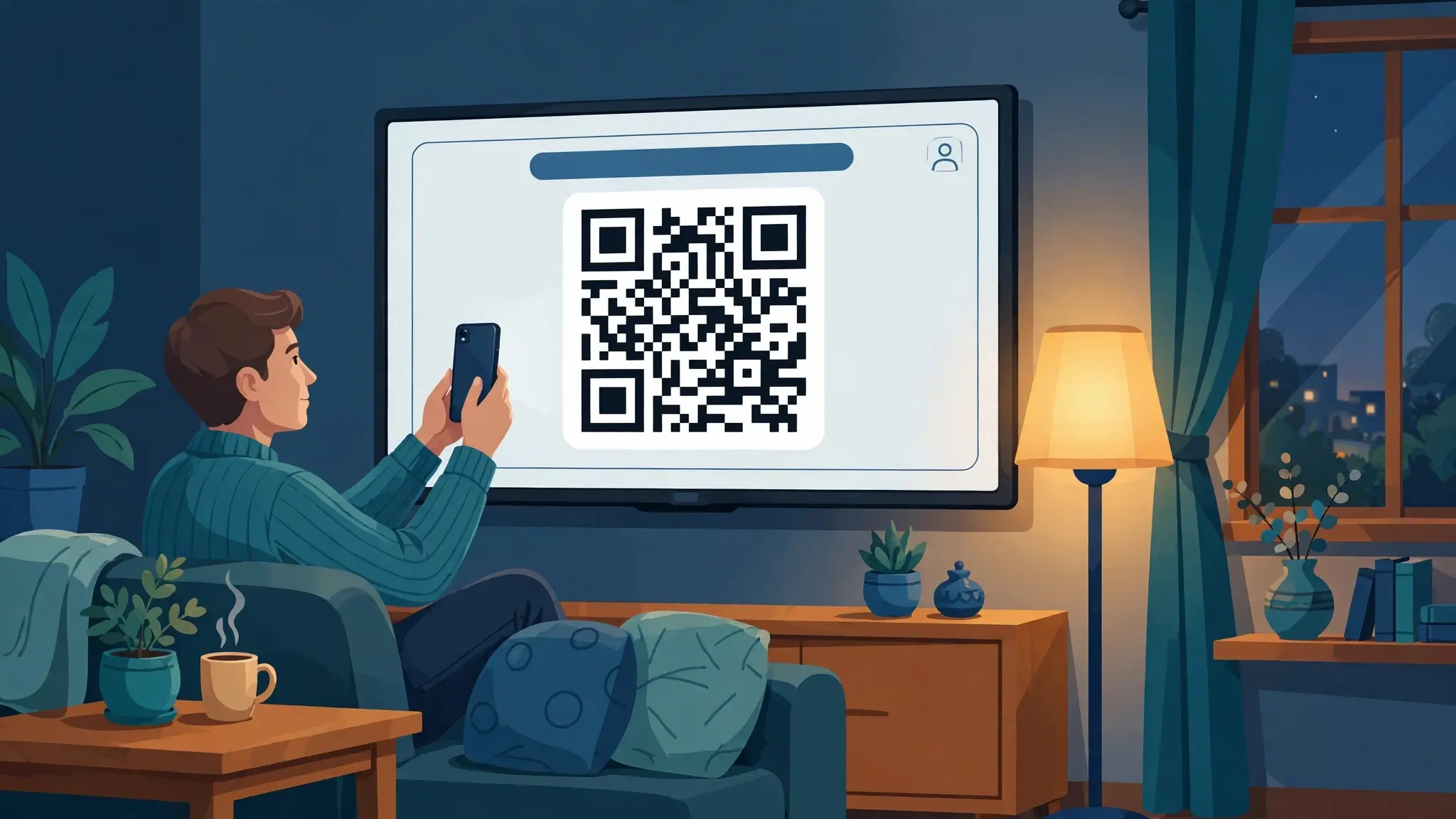
Ask around and you will get three different answers. One says JioHotstar has no QR login at all. One says to open the app on your TV and pick the QR option. A third tells you to point your camera at the code that flashes up during an IPL match. All three people are describing something real — they are just describing different codes.
That is the whole problem with this question. "JioHotstar QR code" covers a sign-in code on your television, a promotional code that appears mid-broadcast, and an activation flow that uses no code at all. Scanning the wrong one, or looking for a QR option your device no longer shows, is where most people get stuck. This guide separates them, walks through the sign-in scan properly, and covers the one hard limit on QR login that Amazon's own support staff have confirmed and almost nobody has written down.
How to Scan a JioHotstar QR Code: Work Out Which One You Have
Before you lift your phone, check what the code is for.
| The code | Where it appears | What scanning does | What you need |
|---|---|---|---|
| Login QR | On your TV, inside the JioHotstar app sign-in screen | Signs an existing account into that TV | An account you already created |
| StarDeals / promo QR | On screen during live broadcasts, mostly IPL | Opens a deals page with a quiz | Nothing, it is open to viewers |
| Activation code | On your TV, as text rather than a square | Nothing to scan. You type the code on a website | A second device and the right URL |
Only the first one logs you in. The second has nothing to do with your account. The third is what you fall back on when your TV offers no QR at all, which happens more often than the guides admit.
The Login QR Code: Where It Actually Appears
The login code lives inside the app on the television, not on your phone and not on the website.
Open JioHotstar on your TV and choose Login or Sign in. Most builds present a combined Mobile Number / QR Code option. Select the QR side and the code appears on screen.
What you see next depends on your device and the version of the app installed on it. Sign-in may offer a mobile number, a QR code, or an activation code, and not every television gets all three. That variation is the single biggest reason people searching this question end up frustrated: the instructions they found assume an option their TV does not display.
If your screen shows a QR code, carry on to the next section. If it does not, skip ahead — there is a section for that.
Scanning the Login Code, Step by Step
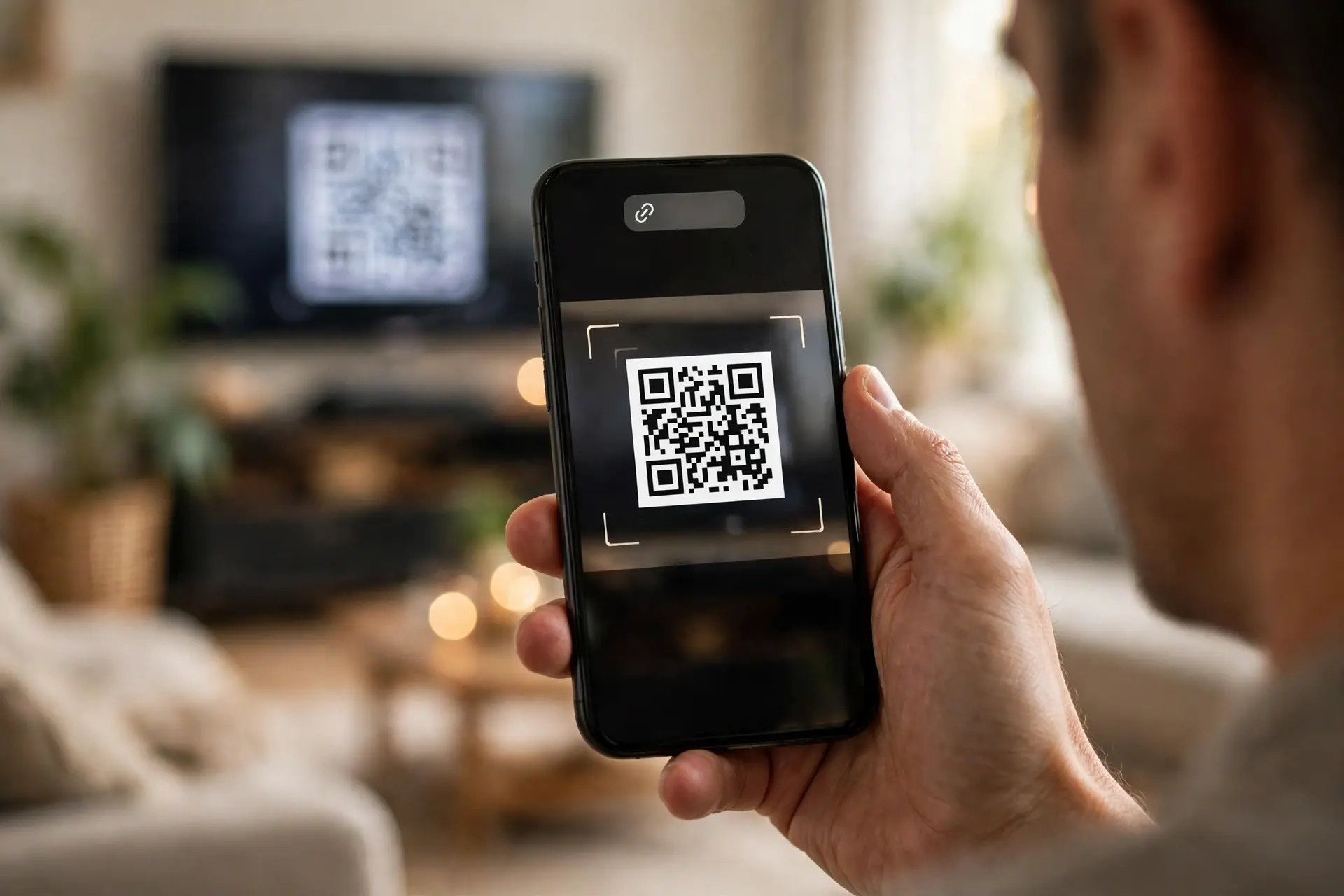
- Bring up the code on the TV. Login → Mobile Number / QR Code → QR.
- Open the camera on your phone. Most modern Android and iPhone cameras detect a QR code without any extra app. If yours does not, enable QR scanning in the camera settings or use a scanner app.
- Stand at a sensible distance. Roughly an arm's length from the screen. Too close and the camera cannot focus; too far and the code is too small in frame.
- Hold steady until the link appears, then tap it.
- Confirm on your phone. You will normally be asked to approve the sign-in on the account already logged in there.
- Watch the television. The TV screen should move on by itself once the approval goes through.
A detail worth knowing before you start: scanning works because your phone is already signed in. The code is a handshake between a device that knows who you are and one that does not. If you are not logged in on the phone, scanning gets you nowhere useful.
If the code vanishes before you scan it
Codes expire. If the screen times out, back out of the sign-in screen and re-enter it to generate a fresh one rather than waiting for the old one to come back.
The screenshot trick
If the code is on screen only briefly, which is normal for promotional codes and occasionally happens with sign-in screens on a timeout, photograph it. Then open your gallery, and either use your scanner app to read the image or press and hold the code to surface the link. This works because the scanner reads pixels, and a photo of a code is just as readable as the code itself, provided the picture is sharp.
The Limit Nobody Writes Down: QR Signs You In, It Cannot Sign You Up
Here is the fact that resolves a large share of the confusion, and it comes from Amazon's own support staff on their Fire TV forum.
A user reported in March 2025 that the new JioHotstar app would not let him sign up with a QR code, though he had been able to before. An Amazon staff member replied:
"While the JioHotstar app allows QR code login for existing users, it doesn't allow signup via QR code. You'll need to use a phone number and OTP for initial registration."
So the rule is simple, and it is the opposite of what people assume:
- Already have a JioHotstar account? QR login is available to you.
- Creating your account for the first time? No QR. You register with a mobile number and an OTP, and only after that can QR sign you into other devices.
If you are standing in front of a new television trying to scan your way into an account you have not created yet, the scan was never going to work. Create the account on your phone first.
When Your TV Shows No QR Option At All
The same forum thread continues, and this part is less comfortable.
The user replied two days later to say that on the latest JioHotstar version on his Fire TV Stick, the QR option simply was not there, only login by mobile number. He had already tried every suggested fix. A second Amazon staff member could not resolve it and pointed him to JioHotstar's support instead.
So the QR option genuinely does go missing on some builds. If that is your situation, you have not done anything wrong and more troubleshooting will not conjure the option back. Use one of the other two routes below.
This is also worth bearing in mind when you read a guide that presents QR as the method. Several currently do, and the top-ranking "connect JioHotstar to TV" articles do the reverse, they describe only a code-entry flow and never mention QR. Neither tells you the option set varies.
The Activation Code Route
When there is no QR code, the TV shows a short code instead, and you type it on a website.
The address to use
Check this carefully, because the addresses in circulation are not reliable.
JioHotstar's activation endpoint still runs on the old Hotstar domain. A request to jiohotstar.com/in/activate is redirected to hotstar.com/in/activate, which is where you will end up regardless. Despite the rebrand, activation did not move.
The steps:
- Open JioHotstar on the TV and select Login or Sign in.
- Note the code displayed.
- On your phone or computer, go to the activation page.
- Sign in to your account.
- Enter the code.
- The TV completes sign-in on its own.
Codes are case-sensitive, and they expire
Two things make activation codes fail that have nothing to do with your account. They are case-sensitive, so type them exactly as shown. And they expire, so a code you noted ten minutes ago may already be dead. Restart the app on the TV to generate a new one rather than retrying the old one.
The Wrong-URL Trap
This deserves its own warning, because one of the most visible guides on this topic gets it wrong twice in the same article.
It gives readers two different addresses, one on jiohotstar.com and one that is a misspelling of tv.hotstar.com, and then tells them to confirm the URL before relying on it. That is an article admitting it does not know where to send you.
Activation pages are a favourite target for lookalike domains, for an obvious reason: the page asks you to sign in, and the person using it is already expecting to type credentials into an unfamiliar screen on a second device. A misspelled streaming-activation domain is a readymade phishing landing page.
Two habits protect you:
- Type the address yourself rather than following a link in a search result or a forwarded message.
- Check what you landed on before signing in. If the domain is not the one you expected, close it.
The same applies to any QR code you scan from a TV screen. Look at the link preview before you tap it.
Mobile Number and OTP, and the JioFiber Catch
The third route is the one that always works, and it is what first-time users need anyway.
On the TV, choose login by mobile number, enter your 10-digit number, and the app sends an OTP. Enter the OTP on the TV and you are in.
There is a wrinkle for JioFiber subscribers that catches people out. JioHotstar asks for a 10-digit mobile number, but a JioFiber account often displays a landline number. The landline will not receive the OTP and will not work for sign-in. Use the mobile number linked to the JioFiber account instead.
The StarDeals QR Code Is Something Else Entirely
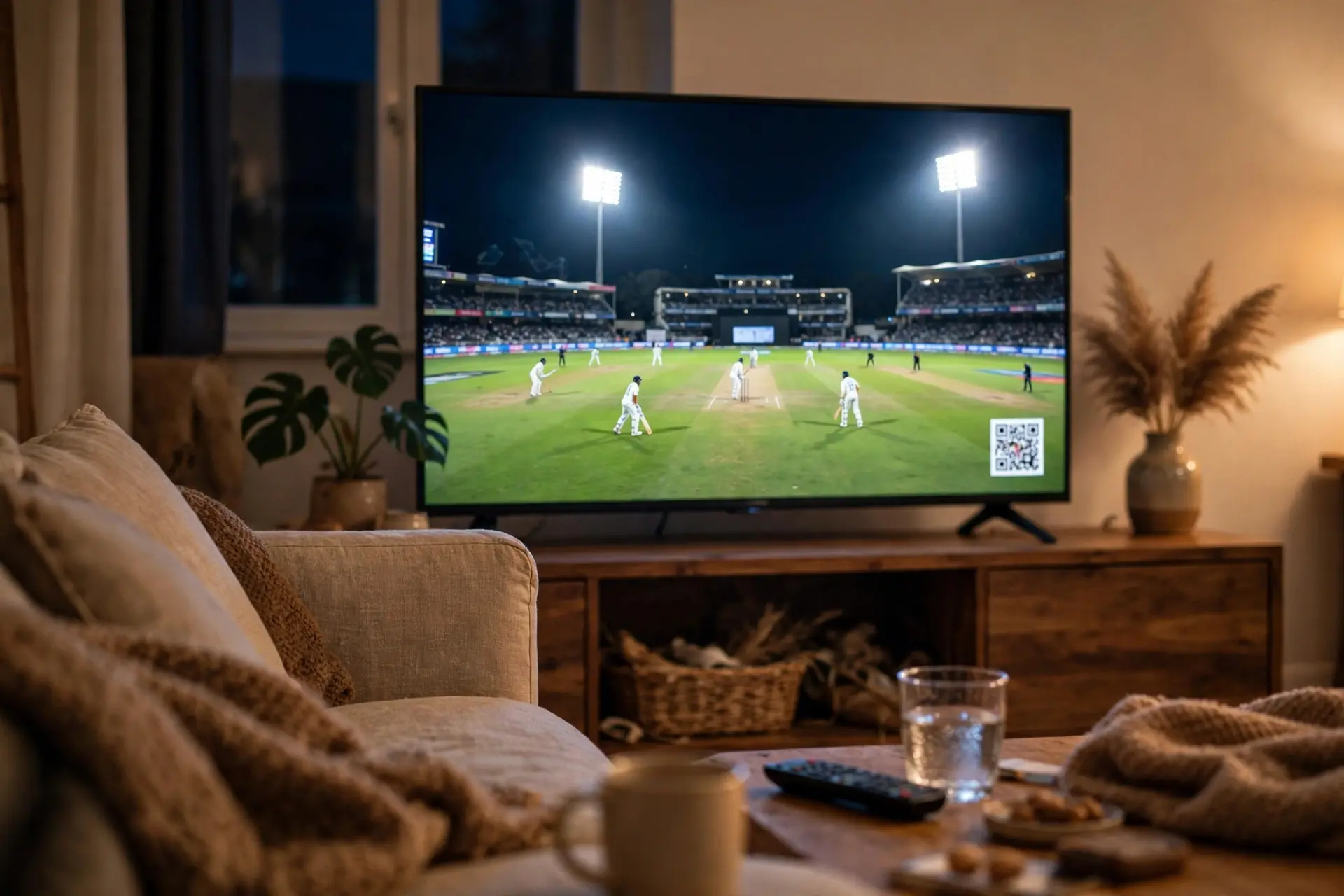
If the code you are trying to scan appeared during a cricket match, it is not a login code and it will not sign you into anything.
During IPL broadcasts, JioHotstar has run a promotional campaign called StarDeals. A QR code appears on screen mid-broadcast, and scanning it opens a landing page of available deals. Pick one, answer a short quiz about the IPL, and you are entered for a reward. Rewards refreshed daily across the tournament, and the campaign ran alongside a roster of sponsor brands.
Two practical notes. These codes are on screen briefly, so the screenshot method above is the reliable way to catch one. And scanning it does nothing to your account, if you were trying to log in, you have scanned the wrong square and should go back to the app's sign-in screen.
When the QR Code Will Not Scan
Assuming you have the right code, scan failures are nearly always physical.
- Screen glare. A television reflects the room. Change your angle rather than moving closer.
- Brightness too high or too low. An over-bright screen blows out the contrast between the dark modules and the light background. Nudge the TV's brightness down.
- Standing too close. Phone cameras need distance to focus on a large code. Step back.
- Motion blur. Brace your elbows or rest the phone against something.
- Camera QR detection switched off. On some Android builds this is a setting rather than a default.
- A dirty lens. Unglamorous, and it accounts for more failed scans than people expect.
If none of that helps, photograph the code and scan the photo from your gallery.
You Scanned It, But Login Still Failed
A successful scan that ends in an error is a different problem, and the causes are account-side.
- Stale cache. On the TV, go to Settings → Apps → JioHotstar and clear the cache, then reopen and try again.
- Too many devices on the account. Streaming accounts cap active devices. On your phone, open Account → Devices and remove televisions you no longer use, then sign in fresh.
- Expired subscription. Confirm on your phone that the plan is actually active. An expired plan can present as a login failure rather than a billing message.
- Outdated app. Update JioHotstar from the TV's app store.
- Old sessions stuck. Power the TV off, unplug it for about thirty seconds, plug it back in.
- Last resort. Uninstall, restart the TV, reinstall, sign in with your mobile number.
When the OTP Never Arrives
Before blaming your network, check the television's clock.
If the TV's date and time are wrong, OTP verification fails. Turn on automatic date and time in the TV's settings, restart it, and try again. It is an unglamorous fix and it resolves a surprising share of "OTP not received" reports.
After that, work through the ordinary causes: a weak connection, an expired plan, or a number that is not the one registered to the account. JioFiber users, see the landline point above.
Jio Set-Top Box and JioFiber Subscribers
If you are watching through a Jio set-top box rather than a smart TV app, the route is different and there is no QR code in it.
Jio's own guidance is to sign in to JioHotstar and other partner apps with your Jio-registered mobile number, verified by OTP. If the app insists your subscription is not active when you believe it is, refresh your entitlements: open MyJio, then Fiber → Subscriptions → Refresh. That resolves the common case where the plan is live on the account but the app has not picked it up yet.
Why QR Codes Fail to Scan at All
Plenty of failed scans have nothing to do with streaming. A code can simply be badly made or badly displayed, and the same handful of causes come up every time:
- No quiet zone. A QR code needs clear margin on all four sides. Crop it tight and scanners lose the frame.
- Weak contrast. Dark on light reads. Mid-tones, or a code laid over an image, often do not.
- Rendered too small for the viewing distance. A code meant to be scanned across a room has to be far larger than one on a counter.
- Error correction set too low. Higher levels let a code survive glare, scuffs and partial obstruction.
- Never tested on a real phone. A code that scans on the designer's handset can fail on an older one.
We wrote a fuller checklist on this: our guide to QR codes that actually scan covers sizing, contrast, margins and error correction in order. If you need to make one for your own screens, counters, or materials, our free QR code generator exports PNG and SVG up to 2048px with adjustable error correction, custom colors, and no watermark. If you want links that can be redirected even after the code is generated, shorten them with our URL shortener first.
Frequently Asked Questions
Does JioHotstar have a QR code login?
Yes, for existing accounts. Open the app on your TV, choose Login, and pick the QR option from the Mobile Number / QR Code screen. Some devices and app versions do not show the QR option at all, in which case use the activation code or mobile number route. Summaries claiming JioHotstar has no QR login are out of date or describing a device where the option is missing.
Can I create a new JioHotstar account by scanning a QR code?
No. Amazon's support staff have confirmed that QR login works for existing users but signup by QR is not supported, so initial registration needs a mobile number and an OTP. Create the account on your phone first, then use QR to sign in on the television.
Where do I enter the JioHotstar TV activation code?
On the activation page, which still sits on the Hotstar domain. A request to jiohotstar.com/in/activate redirects to hotstar.com/in/activate. Sign in there and enter the code shown on your TV. Type the address yourself rather than following a link, since activation pages attract lookalike domains.
Why is there no QR option on my Fire TV Stick?
This has been reported on the latest app build, with Amazon's own staff unable to restore it and referring the user to JioHotstar support. If the option is absent on your device, sign in with your mobile number and OTP instead. Clearing cache or reinstalling will not bring back an option the build does not include.
Why does my JioHotstar OTP never arrive?
Check the television's date and time first, because OTP verification fails when they are wrong. Switch on automatic date and time, restart the TV, and retry. After that, check your connection, your subscription status, and that you are using the number registered to the account.
I have JioFiber. Which number do I use to log in?
The mobile number linked to your JioFiber account, not the landline number the account displays. JioHotstar asks for a 10-digit mobile number and the landline cannot receive the OTP.
What is the QR code that appears during IPL matches?
That is the StarDeals promotional code, not a login code. It opens a page of deals and a short quiz for a chance at a reward. Scanning it does nothing to your account and it will not sign you into your TV.
How do I scan a QR code that disappears too quickly?
Photograph it, then open the picture in your gallery and either scan the image with a scanner app or press and hold the code to bring up the link. Scanners read the pattern, so a sharp photo works as well as the original.
My scan worked but login still failed. What now?
Clear the app cache on the TV, then check whether your account has hit its device limit and remove old televisions under Account then Devices on your phone. Confirm the subscription is active, update the app, and power-cycle the TV. Reinstalling is the last step, not the first.
Sources and Official References
Related reading
How to Generate a UPI QR Code
How to generate a UPI QR code from your UPI ID, with a fixed amount, in BHIM, or for a current account, plus the settings that decide whether it works in every app.
The Uitly Team
How to Scan a Snapseed QR Code (and How to Open Gallery Codes)
How to scan a Snapseed QR code, including the long press gallery workaround, saving looks, creating your own, and why a scanned look looks different on your photo.
The Uitly Team
How to Scan a Cadbury Celebrations QR Code (and What It Will Actually Do)
How to scan a Cadbury Celebrations QR code, what each campaign code does, why there is no prize code inside the box, and how to tell if a campaign is still live.
The Uitly Team